Appointments and Documents
When your first appointment is made, you will receive an invite from the patient portal. From here you will be able to see upcoming appointments, upload secure documents to your provider and make payments. If you have any questions about appointments and payments, please contact Loni at (586) 899-0814.
For technical support you can contact Mike at (313) 542-2533.
Sending Secure Documents to your Provider
To send documents securely to your provider, log in to Good Mind MD by going to your patient portal.
LOGIN HEREFollow prompts (enter email address) if already registered with us.
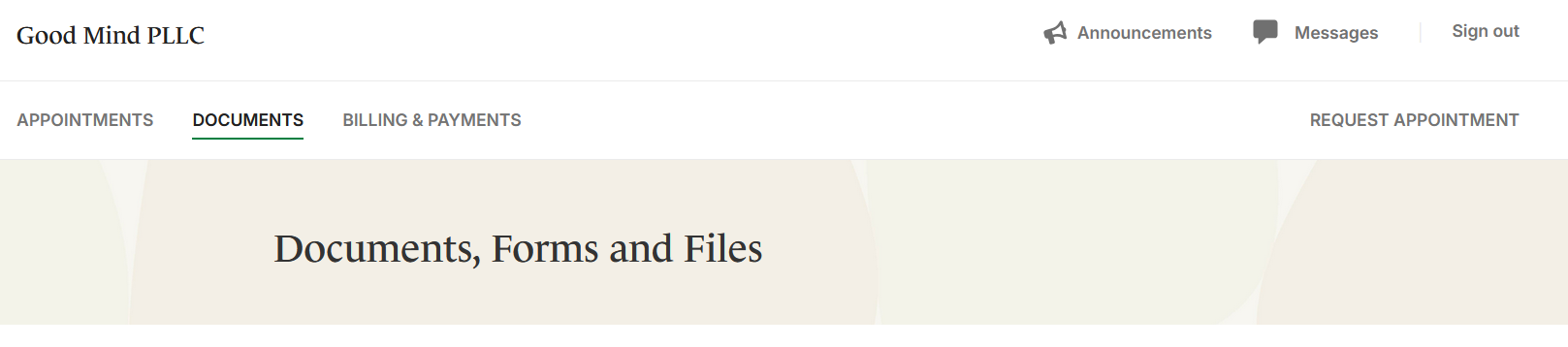
Once you are logged in and at your home screen, go to the DOCUMENTS tab.
Scroll down to the bottom where it says MY UPLOADS.
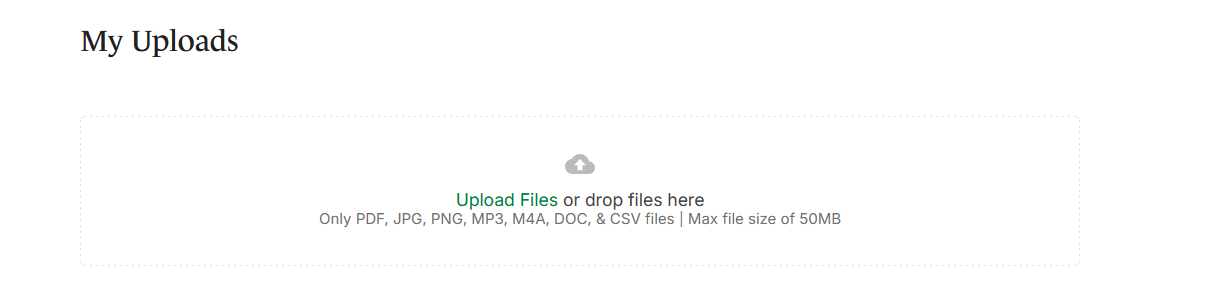
Click on Upload Files in green. Your provider will get a notification that you have uploaded a new document.